 ESPectre
Choose your hardware
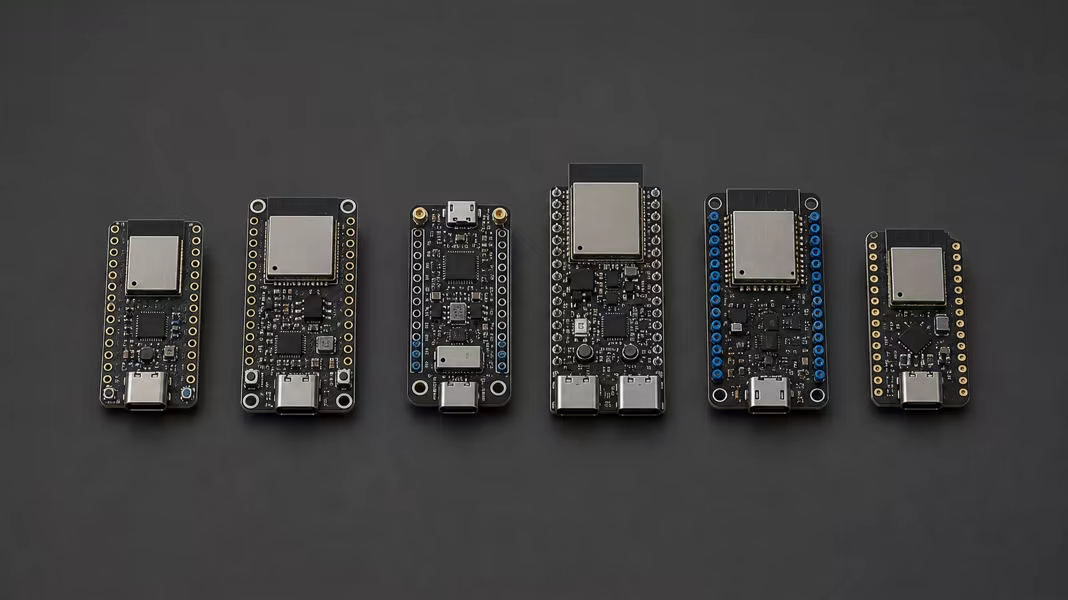
ESPectre supports six ESP32 chip families. A small board is usually enough for a dedicated sensor.
Sections
Supported chips
| Chip | CSI performance | RX sensitivity | Hardware notes |
|---|---|---|---|
| ESP32-C5 | 1st | 2.4 GHz: −95.0 dBm 5 GHz: −94.0 dBm | Single-core RISC-V at 240 MHz, 384 KB of SRAM. Wi-Fi 6 on 2.4 and 5 GHz, Bluetooth 5 LE, and Thread/Zigbee (IEEE 802.15.4). |
| ESP32-C6 | 2nd | −93.6 dBm | RISC-V at 160 MHz plus a low-power core, 512 KB of SRAM. Wi-Fi 6 on 2.4 GHz, Bluetooth 5 LE, and Thread/Zigbee. |
| ESP32-C3 | ≈ 3rd | −93.6 dBm | Small single-core RISC-V at 160 MHz, 400 KB of RAM. Wi-Fi 4 on 2.4 GHz and Bluetooth 5 LE. |
| ESP32-S3 | ≈ 3rd | −92.6 dBm | Dual-core Xtensa LX7 at 240 MHz, 512 KB of SRAM, with vector instructions that speed up signal processing and neural networks. Wi-Fi 4 on 2.4 GHz and Bluetooth 5 LE. |
| ESP32 | 5th | −93.0 dBm | The original ESP32: one or two Xtensa LX6 cores at 240 MHz, 520 KB of SRAM. Wi-Fi 4 on 2.4 GHz, Bluetooth LE 4.2, and Bluetooth Classic, which the newer chips lack. |
| ESP32-S2 | Not ranked | −92.0 dBm | Single-core Xtensa LX7 at 240 MHz, 320 KB of SRAM, and native USB. Wi-Fi 4 on 2.4 GHz only, no Bluetooth. |
Espressif ranks CSI performance as C5 > C6 > C3 ≈ S3 > ESP32, without saying how it measured it, and does not rank the S2. Treat it as a vendor ranking, not a measurement. RX sensitivity is the receiver's typical datasheet value at HT20 MCS0 (VHT20 MCS0 for the C5 on 5 GHz). The module, antenna, board layout, band, and placement still change real sensing performance. Detection quality is measured on 2.4 GHz HT20.
What matters
- The antenna: a board with an external antenna connector (U.FL/IPEX) lets you place the antenna where it works best. This helps when the case, the mounting spot, or the distance makes the built-in antenna hard to position.
- The power supply: use a stable supply rated for the board; USB boards usually expect 5 V. If readings stay erratic in a good position, try another power adapter.
- The placement: keep the sensor out of metal cabinets and, if the room allows it, start 3–8 m from the access point. See the placement guide.
- The programming connection: if the board has USB, flash it with a data cable. Some very small boards need a serial or JTAG adapter instead.