

On-device Wi-Fi sensing

Sense motion with
the Wi-Fi already there.

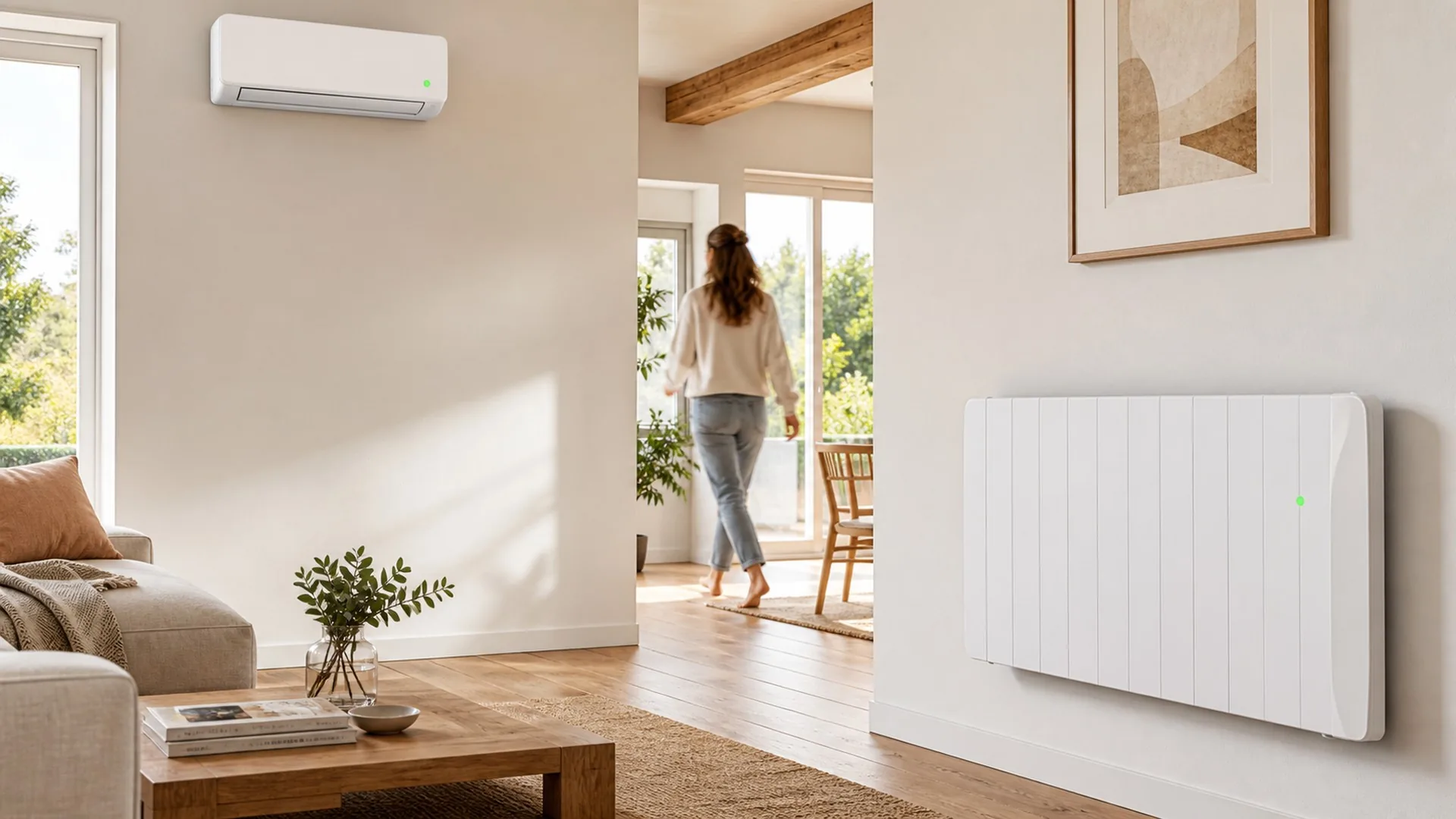
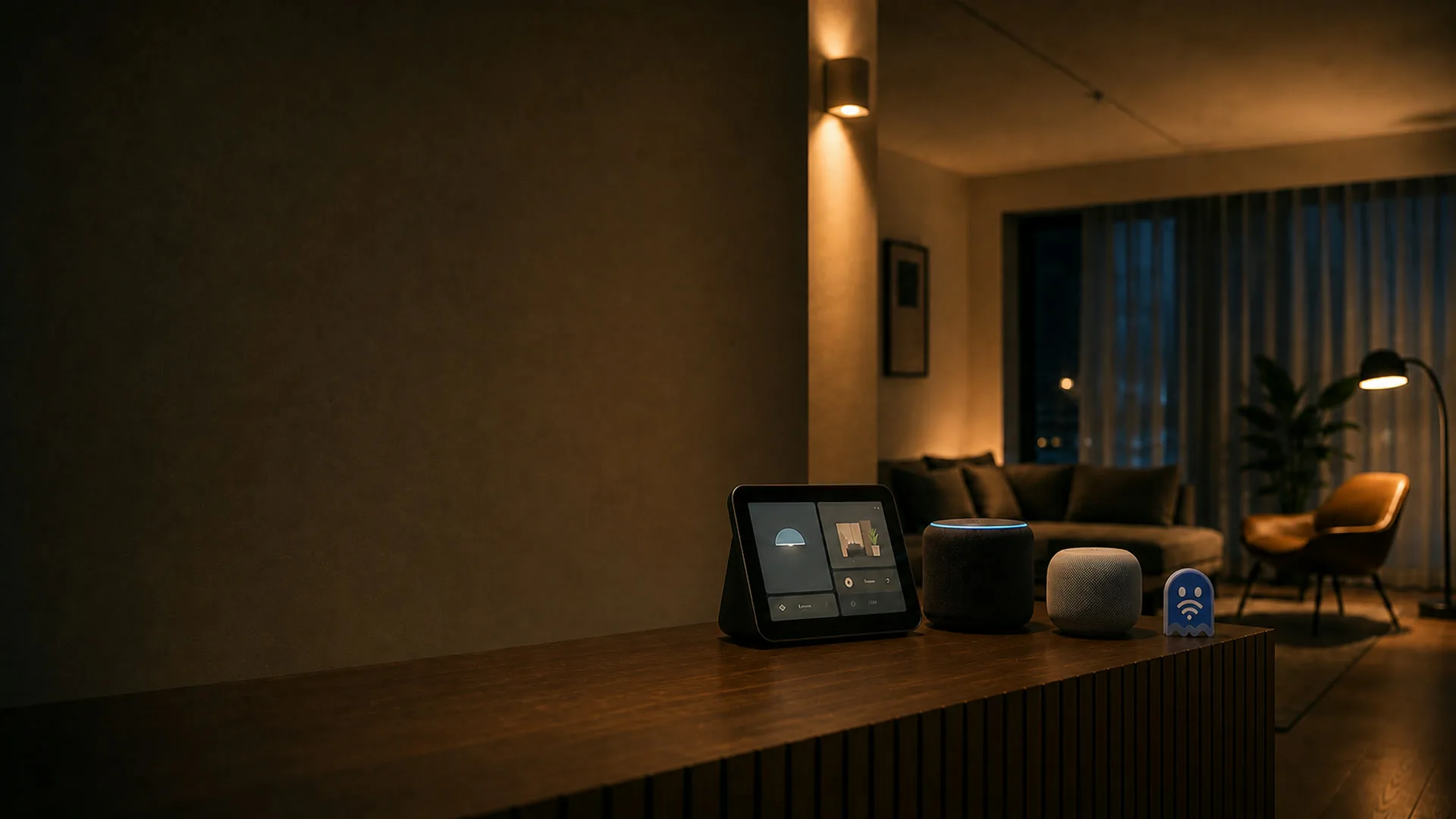
ESPectre measures how the Wi-Fi waves changes as people move.
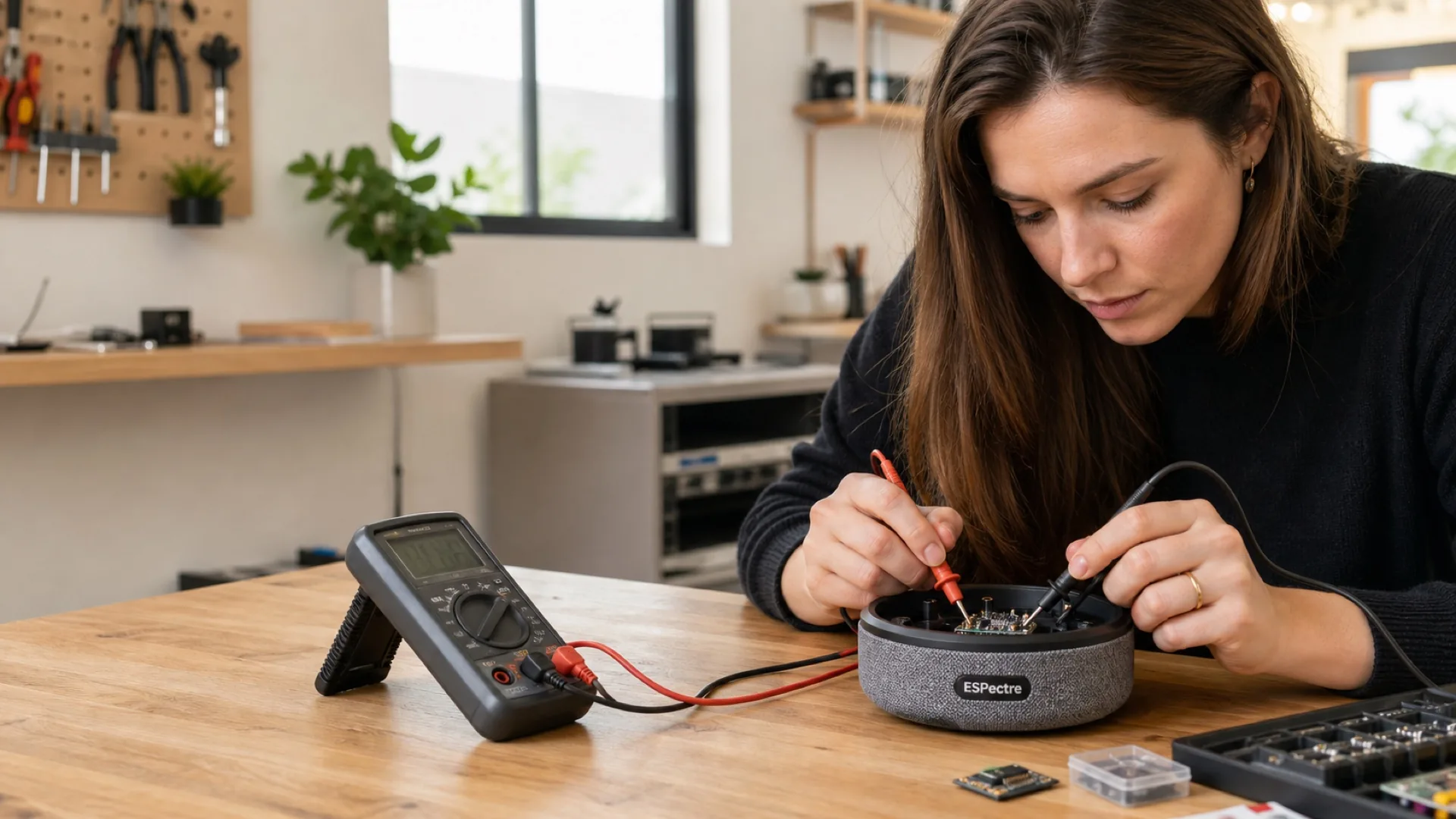
Processing runs locally on a supported chip of ESP32 family.
No cameras, microphones, or external processing needed.

Skip the story

Tools

Flash, configure, and explore motion sensing from the browser.

ESP32 board connected to a laptop over USB for firmware installation

Flash

WEB SERIAL

Install ESPectre firmware over USB from a supported desktop browser.

Open →
ESP32 board connected wirelessly to a configuration panel

Configure

WS

Set Wi-Fi, optional MQTT, and the device name over Direct WebSocket.

Open →
ESP32 board beside a laptop showing live motion sensing diagnostics

Monitor

WS · MQTT

Watch live sensing, tune detection, and inspect diagnostics over the broker.

Open →
ESPectre ghosts navigating an arcade maze controlled by an ESP32 board

Game

MQTT

An endless runner where movement makes the Spectre fly.

Open →
ESP32 board turning Wi-Fi motion into an audio waveform

Theremin

MQTT

Turn live movement into sound with a motion-controlled instrument.

Open →
ESP32 board exploring stationary presence sensing in a quiet room

Presence detection

ROADMAP

Explore whether micro-motion can distinguish an occupied quiet room from an empty one.

On the roadmap →
ESP32 board sensing a subtle waveform across a resting torso silhouette

Breathing detection

ROADMAP

Explore whether breathing-related micro-motion can become a reliable local sensing signal.

On the roadmap →
ESP32 board exploring brief gesture recognition from Wi-Fi sensing

Gesture detection

ROADMAP

Explore whether high-rate sensing can recognize brief gestures reliably.

On the roadmap →

Flash firmware

Pick a firmware, plug the board into USB, and install. The installer detects the chip over serial.

USB flashing requires desktop Chrome or Edge.

Firmware

Download by chip
Loading firmware…

Install

Loading firmware metadata…

Configure

Provision Wi-Fi through the USB flasher, then connect to the local device to set the BSSID, optional MQTT, and the device name.

Connect with Direct WebSocket

Enter the device IP address or its espectre-<device-id>.local name.

Your browser may ask for Local network access. Allow it for this site. If a .local name does not resolve, use the device IP address.

Monitor

Use Direct WebSocket for one device on this LAN, or choose MQTT for Home Assistant, automation, remote access, and multiple devices.

Connect directly

Broker-free monitoring for one Native device on the same LAN.

Allow Local network access if prompted. If a .local name does not resolve, use the device IP address.

Motion theremin

Turn live MQTT motion energy into sound, or explore the interaction in demo mode.

No live detection

The theremin turns live motion energy into sound. Start sensing from Monitor, or run the demo.

Run with the Spectre

Move to fly, stay quiet to descend, and steer the Spectre through the course.

No live detection

Your body is the controller: movement makes the Spectre fly, and quiet brings it back down. Start sensing from Monitor, or run the demo.

Loading guides…

Loading SDK…

Loading media…

Loading roadmap…

Loading privacy notice…

Loading licensing information…

Loading terms of use…

Loading legal information…

Loading security information…

Loading contact information…

Loading guide…

Loading guide…

Loading guide…

Loading guide…

Loading guide…

Loading guide…

Loading guide…

Loading guide…

Loading docs…

Loading docs…

Loading docs…

Loading docs…